



Okay, let’s be honest for a minute. When you type “motorhome app” on your phone, you end up with lists of thirty apps, all presented as “essential,” and you finish with a home screen so cluttered that you can’t find the one that actually works when you need it. (Like you, one evening, the cassette full, scrolling through twenty icons while cursing.) We, after thousands of kilometers with Caroline, sorted through them ourselves, based on usage. And the sorting is ruthless: there are only a handful of apps that we open every day, and a whole graveyard of apps we installed once, “just in case,” and never opened again.
This article is exactly what remains after the sorting. Not the exhaustive catalog, but our stack organized by usage, with what we like about each app, what doesn’t work, and the little hassle that taught us how to use it. Because the best app for motorhomes isn’t the one with the most stars in the store; it’s the one you pull out without thinking when you need it.
(A little framing before we start: here we’re talking about apps, what you put on your phone. The slow connection, the data running out, the plan abroad, that’s another project, and we’ve already written everything about it. I’ll slip you the links as we go, so you can pick what you want.)
Navigating: finding your way, and keeping it even without a network
Let’s start with the most obvious, because without it you can’t move: navigation. And here, the first uncomfortable truth: there is no perfect GPS app for motorhomes. We juggle two or three, each for what it does best. We, on a daily basis, use Google Maps like everyone else, but with a reflex that sedentary people don’t have: we download the maps on WiFi before leaving, so it continues to work when we’re deep in a valley with not a single bar of signal. (It’s the same logic for all data while traveling; we detail this in our guide on managing your mobile consumption.)
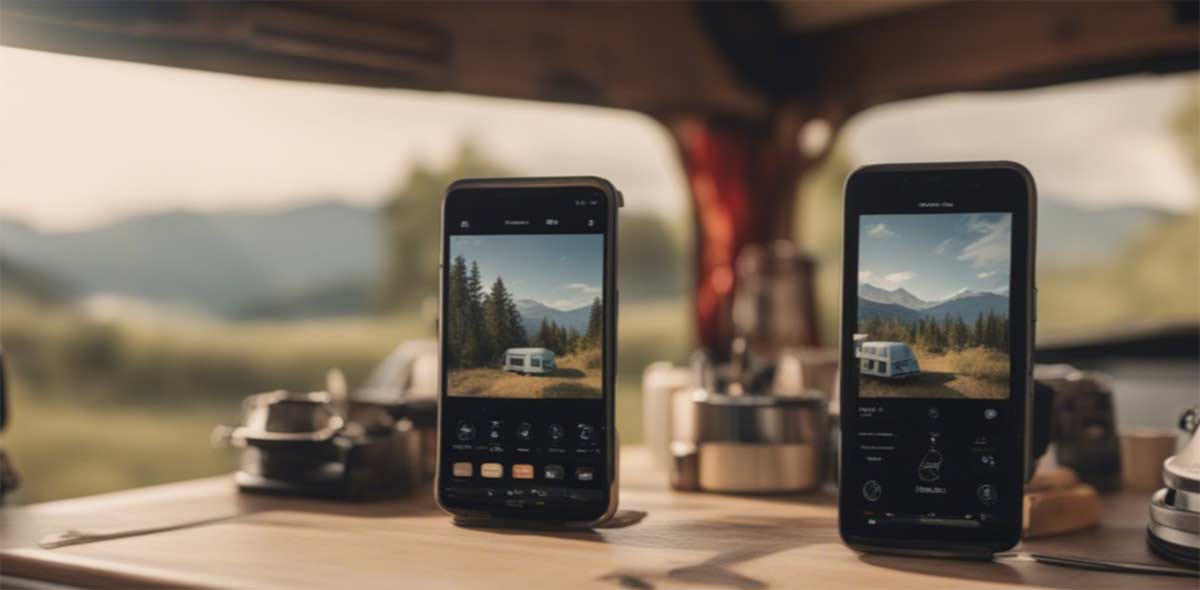
Google Maps, the basic reflex we’ve learned to master
Everyone has Google Maps, and that’s precisely why we start with it: it’s our everyday GPS, the one we open without even thinking. Worldwide coverage, constant updates, reviews on almost every parking spot and bakery, it does the job in 90% of cases. The thing most people don’t know is that it works very well offline: you download the area (a department, a region) as long as you have WiFi, and then it guides you even without a network, without eating up your data.
The problem is that it has absolutely no idea that you weigh 3.5 tons and are 6 meters long. It will send you by the shortest route, period. So we use it for the bulk of the journey, but we always keep an eye on the height limit signs, and as soon as it starts to lead us through a medieval village, we cut it off and think old-school.
- The downloadable offline: you load your area on WiFi and navigate without network or data.
- Coverage and reviews: everywhere in the world, with up-to-date hours, photos, and comments.
- Free and already installed: zero effort, you already have it in your pocket.
- No size consideration: it ignores your height, weight, and length.
- It loves trap shortcuts: narrow alleys and low bridges, its specialty.
Waze, great for traffic, dangerous for size
We like Waze for one specific thing: real-time traffic info and community alerts (traffic jam, accident, checkpoint, object on the road). When we cross a big urban area or come back on a Sunday evening, it’s the one that saves us half an hour. The strength of Waze is the crowd that reports info live, and that changes everything on a long trip.
But let’s be clear: Waze is a car app. Even more than Google Maps, it will seek the gain of two minutes by sending you into a cul-de-sac where you can’t even turn around with the van. We use it on highways and major roads, never for the last kilometers in twisted areas. The good reflex is to use it as a radar for trouble, not as a blind guide.
- Real-time traffic: the community reports everything, including jams and dangers.
- Field alerts: checkpoints, objects on the road, accidents reported live.
- Designed 100% for cars: no respect for size, it sends you everywhere.
- Almost useless offline: without a network, it doesn’t serve much purpose.
Maps.me / Organic Maps, the 100% offline backup map
This one, we have as a backup and we never let it go. Maps.me (and its free cousin Organic Maps) is fully offline mapping: you download the country once, and then you have the roads, trails, water points, shops, even in the middle of nowhere, without a hint of network. The day your phone has nothing left and Google Maps is sulking, it’s this app that gets you out of the valley.
We mainly use it for hiking and on small country roads, where 4G is shy. It’s not the prettiest, it doesn’t have traffic, but it has a quality that no connected app will ever have: it works when there’s nothing left. And in vanlife, “when there’s nothing left” is a situation we know well. One UK-specific tip: if you walk a lot, OS Maps is the gold standard for detailed Ordnance Survey mapping offline, well worth the £39.99 a year for predictable British trips.
- The fully offline experience: entire countries downloaded, roads and trails included.
- Paths and points of interest: useful for hiking as well as on small country roads.
- Free and lightweight: it doesn’t consume data or battery for nothing.
- No live traffic: it’s a map, not a real-time co-pilot.
- A bit of a rustic interface: we don’t take it for its beauty.
Sygic and CoPilot, the GPS that knows your height
If you’re driving a large vehicle (motorhome, heavy goods, caravan in tow), there are GPS systems made for that, and Sygic Truck & Caravan and CoPilot are the references. The principle: you enter height, weight, and length of your vehicle, and the app calculates a route that avoids low bridges, roads prohibited for vehicles over 3.5 tons, and impassable alleys. For anyone who has ever sweated in front of a bridge marked at 2.90 m, it’s peace of mind in spades.
Let’s be honest: we don’t always drive with it. It’s a paid app (around ten to a hundred pounds per year depending on the plan), and for our usual routes, Google Maps + common sense are enough. But as soon as we enter an unfamiliar region with old villages everywhere, we are glad to have a co-pilot who knows that the shortest is not always the possible. If you’re starting with a motorhome, it’s clearly a smart investment.
- The route according to the size: height, weight, and length taken into account.
- Offline maps included: navigation without a network, ideal abroad.
- Peace of mind: no more cold sweat in front of a low bridge.
- It’s paid: expect to pay between £10 and £100 per year depending on the plan.
- The size remains indicative: always keep an eye on the signs.
Finding where to sleep: areas, spots, and parking (the heart of the matter)
Here’s THE big question for motorhome travelers, the one that comes up every late afternoon: where are we sleeping tonight? And this is where apps really change your nomadic life, because without them you end up going in circles in a village hoping to stumble upon a “motorhome area” sign. With them, you know in thirty seconds where to settle, what services are available, and what others thought about it. One thing to keep in mind on this side of the Channel: wild camping is legal in Scotland under the Scottish Outdoor Access Code, while in England and Wales it’s a grey area where you really want the landowner’s nod first.
Our experience on this point is clear and a bit counterintuitive: we don’t use just one app, but a combo depending on the country. In the UK and Ireland, we pull out Searchforsites. As soon as we cross the Channel, Park4night takes over. And we keep iOverlander as a backup, especially when we venture out of Europe entirely. None of the three does it all, so we take the best of each depending on where we are driving.
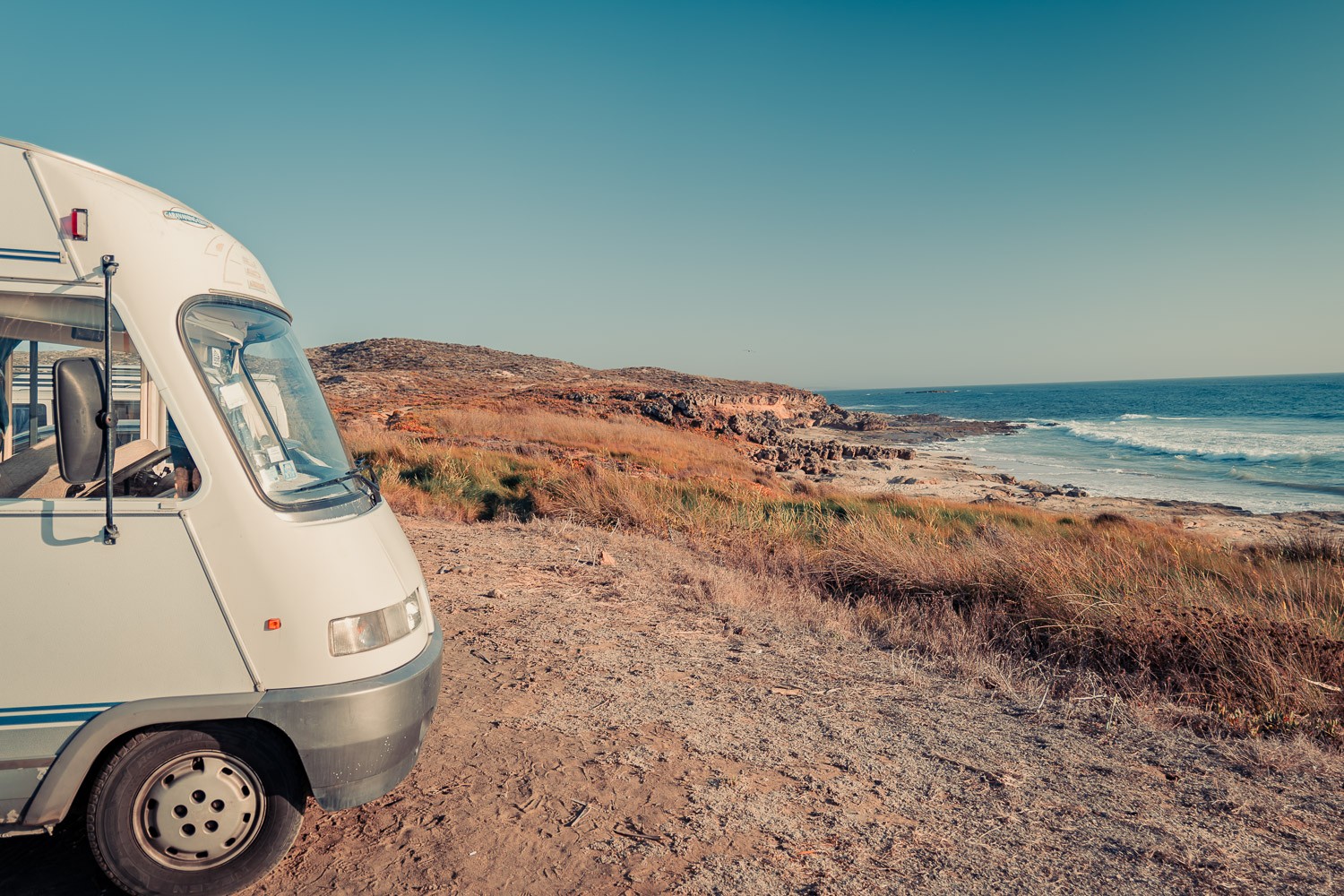
Park4night, the go-to app as soon as we cross the border
Park4night is probably the most well-known app, and for good reasons. A huge community, hundreds of thousands of spots worldwide, photos, ratings, honest comments, and especially those famous paradise spots with views that you would never find on your own. For us, it’s our number one reflex as soon as we are abroad: its international coverage and ultra-active community have no equivalent once you leave the UK.
The free version is more than enough to get started and test. The Plus version (around £10 per year) unlocks offline access and a few filters, and honestly, over a long season, it’s worth it. The only real downside of Park4night is its success: the most beautiful spots can sometimes be crowded in the height of summer, and a spot rated five stars can turn into a van parking lot on July 14th. We’ll come back to that, but remember that the rating is an indication, not a guarantee.
- The best coverage abroad: unbeatable as soon as you leave the UK.
- The community and the photos: spots with views discovered by other travelers.
- Offline access in the Plus version: about ten pounds a year well invested.
- Beautiful spots victims of success: quickly crowded in high season.
- Offline access reserved for paying users: the free version remains connected.
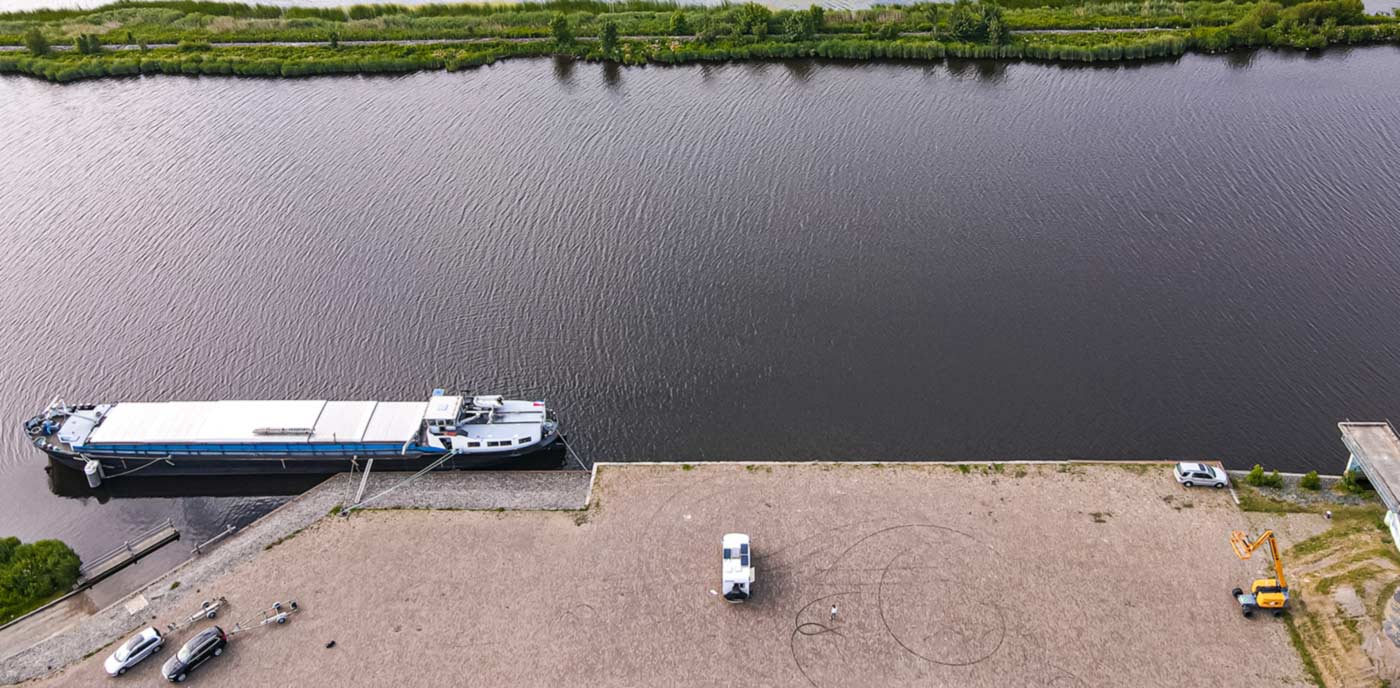
Searchforsites, our go-to on UK and Irish soil
In the UK and Ireland, it’s the one we open first. Searchforsites is built for British stopovers, aires and service points, and you can feel it: the listings are community-checked, up to date, with the info that really matters to us (water point, waste disposal, electric hook-up, price). Where Park4night shines on the Continent, Searchforsites knows Britain in detail, down to the quiet council stopovers and pub car parks.
What we appreciate is its reliability on proper service points: when we need to empty and refill (and believe me, that need doesn’t give warning), it finds us the nearest one with the right information. The community is smaller than Park4night’s, so fewer photogenic wild spots, but for pure UK logistics it is remarkably effective, and the yearly membership is pocket change.
- Built for the UK and Ireland: stopovers, aires and service points kept up to date.
- Service filters: water, waste, hook-up and price in the right places.
- Quiet council and pub stopovers: discreet spots that others miss.
- Smaller community: fewer wild spots than Park4night.
- Mostly UK and Ireland: abroad, we switch back to Park4night.
iOverlander, the backup map when leaving Europe
Let’s be transparent: we use iOverlander a little less than the other two. But it has its own place in our stack because it excels exactly where the others falter: outside of Europe, on long journeys, in remote areas. It’s the app for long-term travelers, powered by a community that references both camping spots and water points, mechanics, or borders.
It is completely free, works offline, and becomes invaluable on the day you leave far, really far away. In Europe, we prefer the duo Searchforsites / Park4night, which is denser here. But if one day we cross a continent, it’s the one we keep open. It’s typically the app that we don’t use often, but we’re really glad to have it installed on the day we need it.
- Unbeatable outside Europe: the reference for long-distance travel.
- Free and offline: everything works without network or subscription.
- Beyond the spots: water, mechanics, borders, everything is referenced.
- Less dense in Europe: here, the UK duo does better.
- Basic interface: effective but not particularly attractive.
Pitchup, for the nights you just want sorted
There are evenings when you don’t want to think, just to settle somewhere clean and safe with a proper pitch. Pitchup is exactly that: book a campsite or secure pitch across the UK in a couple of taps, with a barrier, a hook-up and real facilities. You arrive, you plug in, you have water, electric and a hot shower, and you sleep without wondering if someone will knock on your door at 2 AM.
It’s not our default mode (we love a free spot with a view too much), but it’s our joker for practical stops: a night before an appointment, a big city, bad weather, a need to fully recharge the batteries (ours and Édouard’s). The app shows availability and prices up front. For peace of mind and proper facilities, it’s well worth the nightly rate.
- Book a secure pitch ahead: a barrier, a badge, you sleep easy.
- Proper facilities guaranteed: water, electric hook-up and showers.
- Ideal for practical stops: city, bad weather, full recharge.
- It’s paid: the campsite nightly rate, of course.
- Less wild charm: handy, but you’re on a campsite.
Brit Stops, a free night at a pub or farm (and our best departure memory)
Brit Stops is a concept we love: a free overnight stay in the car park of a pub, farm, vineyard or attraction, in exchange for a friendly hello and, often, a pint or a small purchase. You park up in calm, away from the crowds, and you support a local at the same time. It comes as an annual membership (around £44) with the guide and the app.
We first fell for the idea through its French cousin, France Passion, and if I mention it with a little pinch in my heart, it’s because our very first real morning of this life was on one of those farm stopovers. We had just left the coast, I took out my little camping table and chair outside, set up the laptop, and worked with the sunrise and the tall grass in front of me. Not comfortable at all, but for the first time I felt I had “arrived at my goal.” An app doesn’t sell you that in its description, but it’s exactly the door it opens.
- Free nights at pubs and farms: vineyards and attractions too, away from the hustle.
- A friendly local welcome: a pint, fresh produce and real exchanges.
- Calm car parks: settings no campsite can match.
- Annual membership required: around forty-four pounds for full access.
- UK-focused: the concept exists abroad under other names.
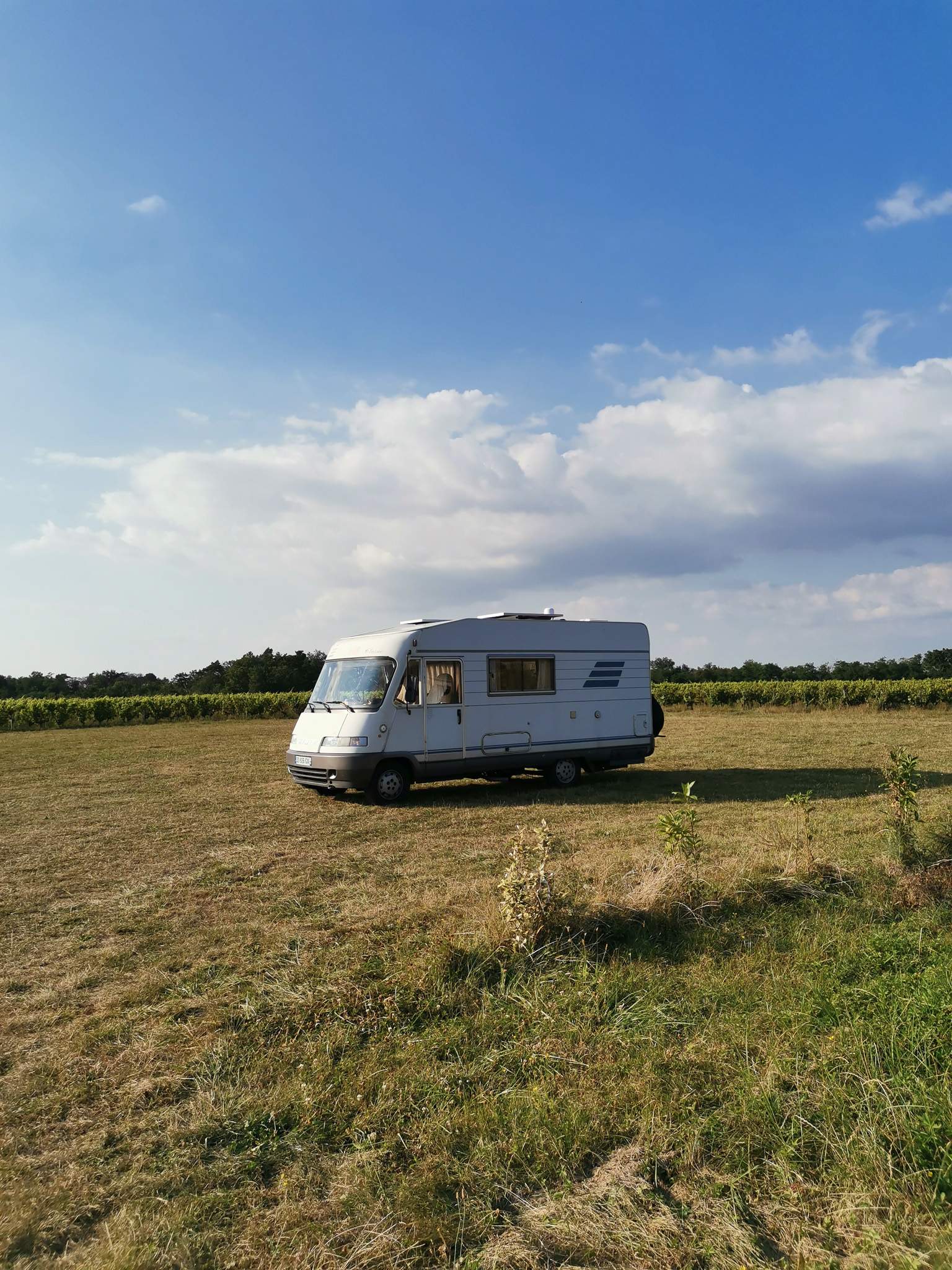
Water, waste disposal, and LPG: the apps that really save you
Now, let’s talk about the least glamorous yet most vital category. Because I’m going to tell you an honest thing: the app that has “saved” us the most is neither a stunning GPS nor an Instagram spot. It’s the one that finds you a service area in an emergency. The tap that no longer drips a drop, or the toilet cassette full to the brim, doesn’t give you a warning, and when it happens, you’re really glad to have a place to quickly empty and quickly refill with water.
The good news is that this information (drinking water point, gray and black water disposal) is precisely provided by the filters of Searchforsites and Park4night that we’ve just discussed. But there are two or three dedicated apps that nicely complement the picture when the nearest area is still far away.
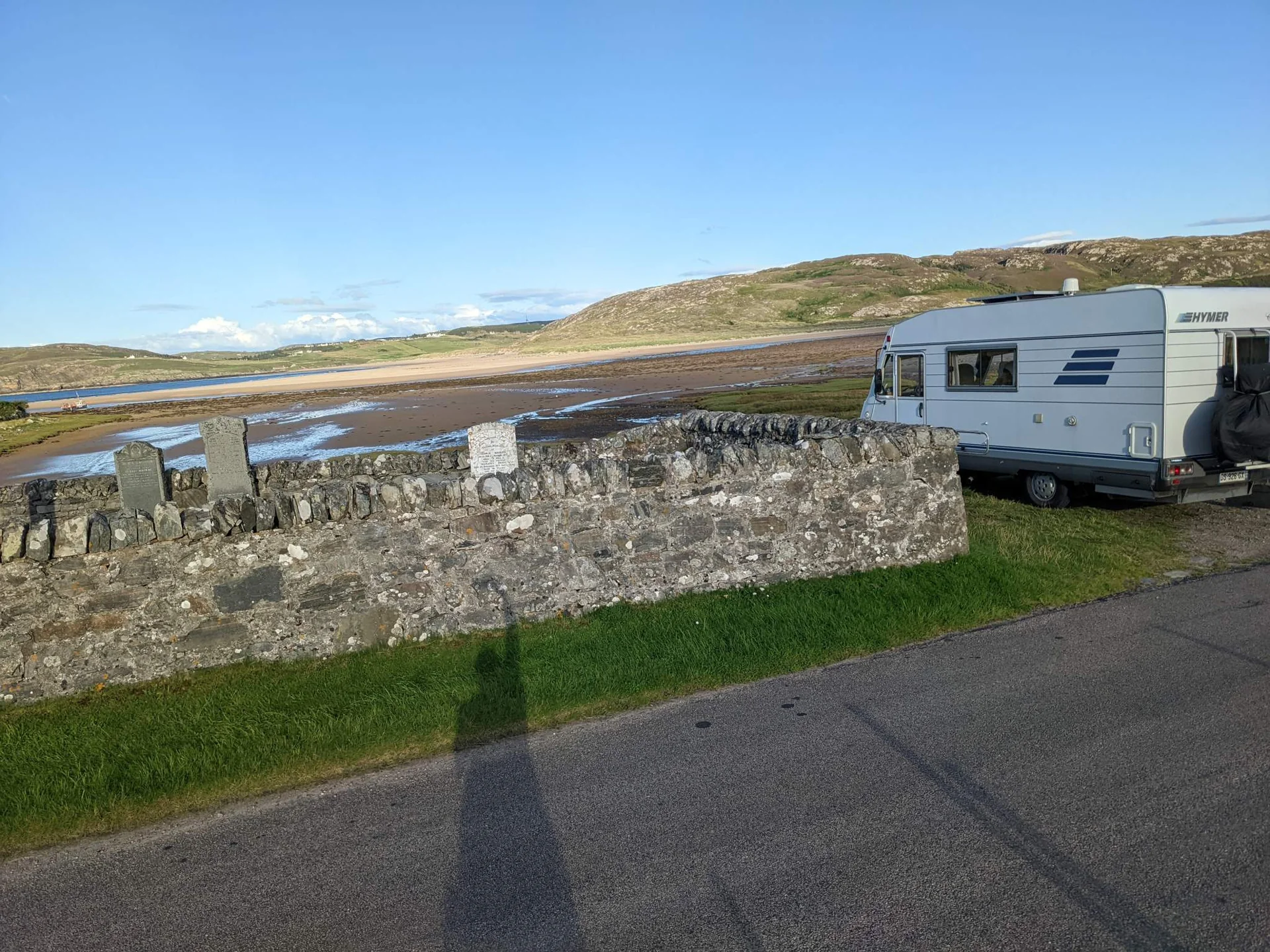
MyLPG.eu, the app for LPG stations in Europe
If you run on LPG (whether for the engine or for a refillable bottle), MyLPG.eu is the reference map for stations across Europe. You look for a station nearby, see the prices, types of connectors, and reviews. It’s typically the kind of ultra-specialized app that we keep carefully, because the day you need it, no generalist app will do the job as well.
We installed it and have never uninstalled it: it takes up no space, it is rarely used, but when it is used, it really helps. It’s the Swiss army knife of LPG, period.
- All LPG stations in Europe: the most complete map of its kind.
- Prices and connectors displayed: you know where to go before driving.
- Free and specialized: it does one thing, and it does it well.
- Niche usage: useless if you don’t run on LPG.
- Community data: a station may have closed in the meantime.
Flush and the apps for water points and toilets
When the service area is still 40 km away and nature calls, a little app like Flush (or its equivalents) locates the nearest public toilets, whether free or paid, accessible or not. It may seem trivial, but it often saves the day more than we admit. The same goes for apps that track drinking water sources, which list public fountains and taps to top up between two service areas.
These aren’t apps we open every day, but they are part of that second layer of tools that transform a small hassle into a non-event. And in vanlife, avoiding small hassles is exactly what makes daily life smooth. (For everything related to managing water and toilets day-to-day, we detail our organization elsewhere on the blog.)
- Toilets and water nearby: the discreet fix that saves the day.
- Free and simple: you open, you find, you close.
- Uneven coverage: very comprehensive in the city, poorer in the countryside.
- Often connected: remember to check before entering a dead zone.
The weather: anticipate rather than endure
In a van, the weather isn’t just a comfort detail; it’s a safety parameter and a spot choice factor. A beautiful spot on the edge of a cliff becomes unlivable with gusts of 60 km/h (we’ve experienced it), and a night of heavy rain on a dirt path guarantees getting stuck by morning. So we look at the sky, but mostly we check Windy.
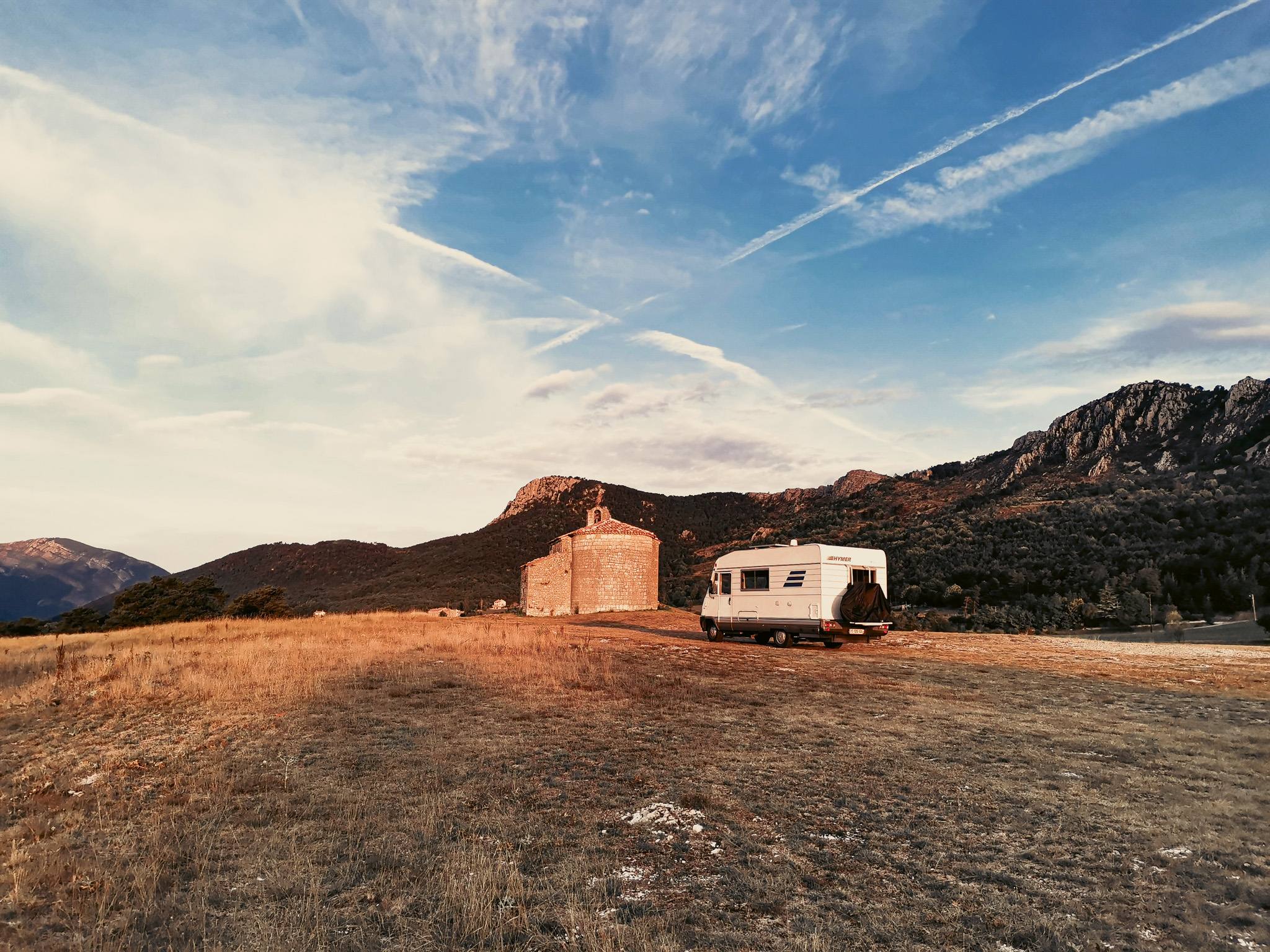
Windy, the weather app we check every evening
Windy is our go-to weather app, by far, with the Met Office open alongside it for the official UK forecast and warnings. While classic apps give you a little sun or a little cloud, Windy shows you the wind, gusts, swell, and precipitation, hour by hour, on highly readable animated maps. To choose an exposed spot or decide if we should move tomorrow, it’s exactly the level of detail we need.
We check it almost every evening before settling down: wind direction and strength especially, because it’s what turns a peaceful night into a bumpy affair. It’s the ultimate anticipation tool, the one that helps you choose the right side of the hill rather than endure the gust in your face.
- The wind in detail: direction, strength, and gusts hour by hour.
- Animated maps: ultra-readable for choosing an exposed spot.
- Multiple weather models: you cross-check forecasts before deciding.
- A bit technical at first: lots of info, but it can be mastered.
- Data-hungry: the animated maps love data.
Energy, safety, and daily life: the rest of the stack
Now we arrive at the apps we keep without making a fuss, because they touch on topics we cover thoroughly elsewhere on the blog. The principle: the right app exists, but the real subject is broader than it.
On the energy and off-grid side, we have Victron Connect to monitor our batteries in real-time from the phone (voltage, charge, consumption), and the EcoFlow app to control our portable station. Very handy, but if you want to understand how we really manage our electrical autonomy, that’s another project: we discuss it in our guide to choosing a portable power station.
On the van security side, we monitor Édouard and the house with our cameras (and the accompanying app), a topic in its own right that we’ve detailed in our dedicated tests. And for daily life, a few small apps that keep the wheels turning: Splitwise to share expenses between two without hassle, Polarsteps to keep track of the route and photos, and a language app (we tested Mondly, our complete review is here) to avoid being completely lost when crossing a border.
And connectivity, the nerve of the war? Again, it’s a world in itself. To avoid rewriting what we’ve already detailed, go read our guide to getting internet on a road trip and our comparison of plans and phones abroad: that’s where you’ll find everything about plans, eSIMs, and equipment to stay connected.
Our actual stack, in clear terms
So, if tomorrow our phone were stolen, here’s what we really have on it and what runs every week: Google Maps (with maps downloaded via WiFi for offline use), Searchforsites in the UK and Park4night as soon as we cross the Channel, iOverlander as a backup when we go far, MyLPG.eu for gas, and Windy to anticipate the weather. The rest is just a bonus depending on the moment’s needs.

And you know what? We haven’t really uninstalled anything in a rage. Each app has found its territory or moment: Searchforsites for the UK, Park4night for elsewhere, iOverlander for very far away, each in its zone.
The real secret is not to find “the best camper app” in absolute terms; it doesn’t exist. It’s about having the right app in the right place, and knowing which one to pull out when. The rest is just clutter on the home screen.
Campervan and van life apps: your questions answered
What is the best app for campervan and motorhome travel?
Honestly, there isn't a single one. The best app is the right one for the job: Park4night for spots and aires across Europe, Searchforsites or Brit Stops for UK stopovers, and Google Maps for everyday navigation. Our real stack is five or six apps, not thirty.
Which GPS app should I use for a motorhome (and offline)?
Google Maps does the job day to day, as long as you download your area over WiFi so it works without signal. We keep Maps.me (or Organic Maps) as a fully offline backup, and in the UK, OS Maps is brilliant for detailed offline mapping. If you drive a big vehicle, CoPilot or Sygic route you by height, weight and length to avoid low bridges.
Is Park4night free, and is the Plus version worth it?
The free version is plenty to start and test. Park4night Plus (around £9.99 a year) unlocks offline mode and a few filters. Over a long touring season it's well worth it, especially for areas with no signal.
Can you use Park4night without an internet connection?
Yes, but only with the Plus version, which lets you download spots for offline use. On the free version the app needs a connection, so the trick is to browse and save your spots while you still have WiFi or 4G, before you reach a not-spot.
Searchforsites or Park4night: which one should I choose?
Both, but not in the same place. In the UK, Searchforsites and Brit Stops shine for proper stopovers, pub and farm stays. Across the rest of Europe, Park4night takes over, with a far denser community. That's exactly how we sort them on the road.
How do I find a free overnight spot or aire?
The filters in Park4night and Searchforsites let you show only free spots and aires. iOverlander lists plenty too, especially beyond Europe. And for free nights on farms, pubs and vineyards in the UK, Brit Stops is the one to have, on a yearly membership.
Is wild camping legal, and which app helps?
It depends entirely on where you are. In Scotland wild camping is legal under the Scottish Outdoor Access Code, while in England and Wales it's a grey area where you need the landowner's permission. Apps like Park4night often flag how tolerated a spot is, but they don't replace local rules. For the full picture on where you can legally spend the night, see our guide on the best places to sleep on a road trip.
Is one free app enough?
To start, yes: the free Park4night plus Google Maps already let you travel with confidence. But in practice the combo wins: one app per territory and per need is what really smooths out daily life. You add the others as you feel the need.
Do these apps work offline abroad?
Yes, if you plan ahead: we download maps and spots over WiFi before setting off, so we don't rely on signal or burn through data. To manage your connection and data abroad without nasty surprises, read our guide to managing mobile data abroad.
How many apps do you really need?
Far fewer than you'd think. Our weekly stack is: Google Maps, Searchforsites, Park4night, iOverlander as a backup, myLPG.eu for gas and Windy for the weather. Five or six well-chosen apps beat a home screen crammed with icons you never open.
Which app finds water or a place to empty waste?
The service filters in Park4night and Searchforsites show the nearest water points and dump stations, which is the essential. For LPG, myLPG.eu lists stations across Europe, and for public toilets in a pinch an app like Flush does the job. This unglamorous category is the one that saves you on a full-cassette evening.
Which weather app is best for van life?
Windy, without hesitation, alongside the Met Office for official UK forecasts. Where a basic app gives you a sun or a cloud, Windy shows the wind, gusts and rainfall hour by hour on animated maps. It's the tool that makes you pick the sheltered side of the hill instead of taking the gusts head-on.
The campervan app stack, by use
The apps we actually keep on the phone, sorted by need: navigation, finding pitches and stopovers, services, weather. Indicative prices in pounds; all run on iOS and Android.
| App | What it does | Offline | Price |
|---|---|---|---|
| Google Maps | Everyday navigation | Yes | Free |
| Waze | Live traffic and alerts | No | Free |
| Maps.me / Organic Maps | Fully offline backup maps | Yes | Free |
| OS Maps | Detailed UK offline mapping | Yes | Free / £39.99/yr |
| Sygic / CoPilot | Vehicle-size routing | Yes | £10 to £100/yr |
| Park4night | Spots and aires across Europe | Yes (Plus) | Free / £10/yr |
| Searchforsites | UK and Ireland stopovers | Partial | ~£8/yr |
| Brit Stops | Free pub and farm stopovers | No | £44/yr |
| iOverlander | Spots and services beyond Europe | Yes | Free |
| what3words | Emergency location sharing | Yes | Free |
| myLPG.eu | LPG stations across Europe | Yes | Free |
| Windy / Met Office | Weather, wind and gusts | No | Free |
Our real combo: Google Maps (maps downloaded), Searchforsites in the UK and Park4night abroad, iOverlander as a backup, myLPG.eu and Windy. The rest is a bonus.
Alright, I’ll leave you now; I have a map to download before we head out tomorrow.
PS: deep down, the only truly indispensable app is the one for service areas on a night with a full cassette. The day you experience that, you understand that luxury in a van isn’t the view from your bed; it’s a running tap and a drain to empty. There, it’s said.