



There is a small frustration specific to Trip.com, and it’s quite funny when you discover it from the inside: you want a promo code, just one, the one you paste in the field at checkout, and instead, you get a list. This is exactly what we asked for when negotiating our partnership, a unique code like LAPLANETEDECARO as we have with Holafly, and the response was no, technically impossible, because for them a promo code is linked to a product and not to a partner account.
So here’s the honest page: our codes service by service, those that already work, those we are still waiting for, and especially the detail that causes almost everyone to miss the discount the first time (the code must be entered in the right place, and that right place is not where you think).
| Trip.com product | Promo code | Discount |
|---|---|---|
| Car rental |
PLANETECAROLOC
|
10% off |
| Activities, attractions and tours |
PLANETEDECAROT
|
5% off |
| Airport transfer |
PDCTRANSFERT
|
5% off |
| Hotel | coming soon | — |
| Flight | coming soon | — |
| Train and bus (first booking) | coming soon | — |
| Train and bus (existing account) | coming soon | — |
Our Trip.com promo codes
Activities, attractions and tours
5% off with code PLANETEDECAROT
Booked on Trip.com — partner link.
Provided by Holafly, our partner.
5% off with code LAPLANETEDECARO
Booked on Holafly — partner link.
These codes were communicated to us on October 9, 2026, by our contact at Trip.com. We haven’t yet tested them ourselves in the cart for each service, so if any of them refuse to apply the discount, let us know and we will escalate the information. The screenshots on this page are from the same day.
Before diving into the details, the most useful thing is probably to know what this represents for you. A percentage doesn’t mean much on its own; personally, I find it much clearer with a monetary amount in front of my eyes.
What the code really changes on your booking
Choose the service you are booking, enter the amount displayed before discount, and you will see the actual difference. For some services it is significant, for others it is symbolic, better to know before looking for the code.
Trip.com car rental promo code: -10%
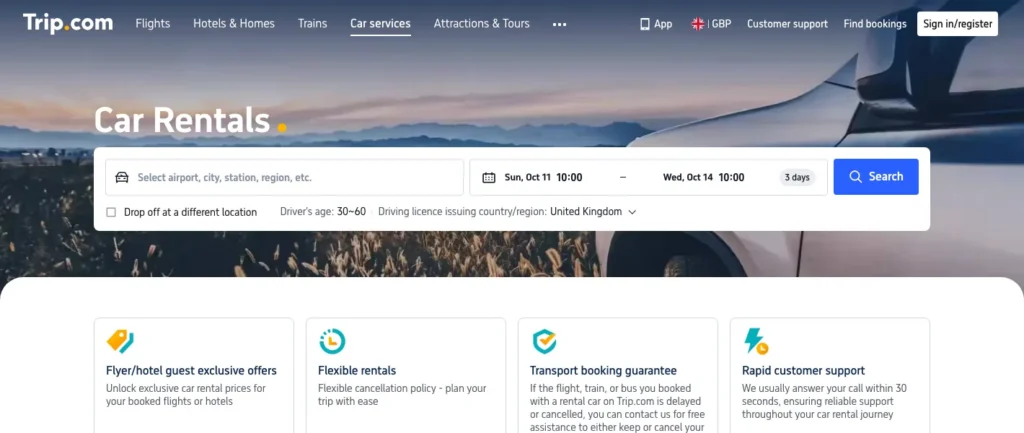
This is by far the best discount of the bunch, double that of all the others, and it also applies to the largest cart. If you have to remember only one code from this page, personally, this is the one I would keep.
Specifically, for a week of a small city car in the Algarve costing around £180, you save about £20, which is roughly a full tank. On a three-week road trip in a van or SUV, the savings become quite serious. And since Trip.com aggregates rental companies rather than owning its own fleet, you compare first, book later, and the code applies to the already compared price.
Car rental
PLANETECAROLOC
10% off
Trip.com activities and attractions promo code: -5%
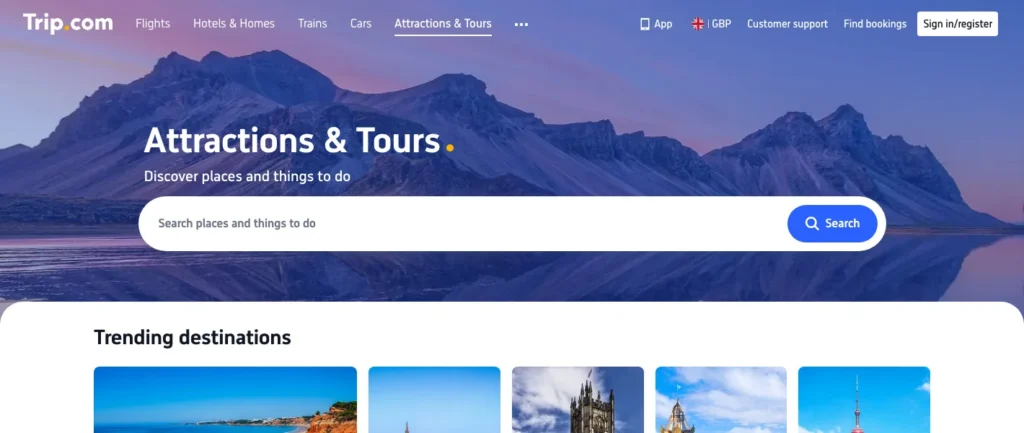
This one covers everything that Trip.com classifies as “things to do”: museum tickets, parks, day trips, boats, guided tours, urban passes. This is the category where I find online booking most useful, not so much for the five percent, but because you arrive with your ticket on your phone and skip the line.
Five percent off a £15 ticket is still 75 pence, so let’s be realistic. However, on a boat trip costing £240 for four, that’s £12, and on a complete holiday activities budget, we’re quickly talking about several tens of pounds.
Activities, attractions and tours
PLANETEDECAROT
5% off
Trip.com airport transfer promo code: -5%
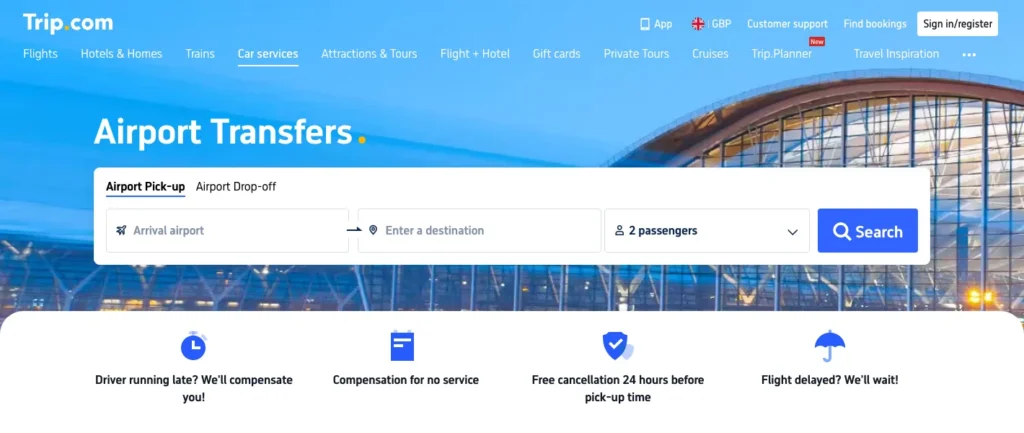
Airport transfer is the service that nobody talks about but that saves quite a few arrivals. Flight landing at 11:40 PM, taxi nowhere to be found, local app asking for a country number, and you with the luggage and someone tired next to you. A pre-booked transfer avoids precisely this half-hour.
Note that, unlike car rentals and activities, Trip.com does not offer a transfer page by destination that we can link you directly to, so the button takes you to their service and it’s up to you to enter your airport.
Airport transfer
PDCTRANSFERT
5% off
Trip.com hotel promo code: the code exists, the discount not yet
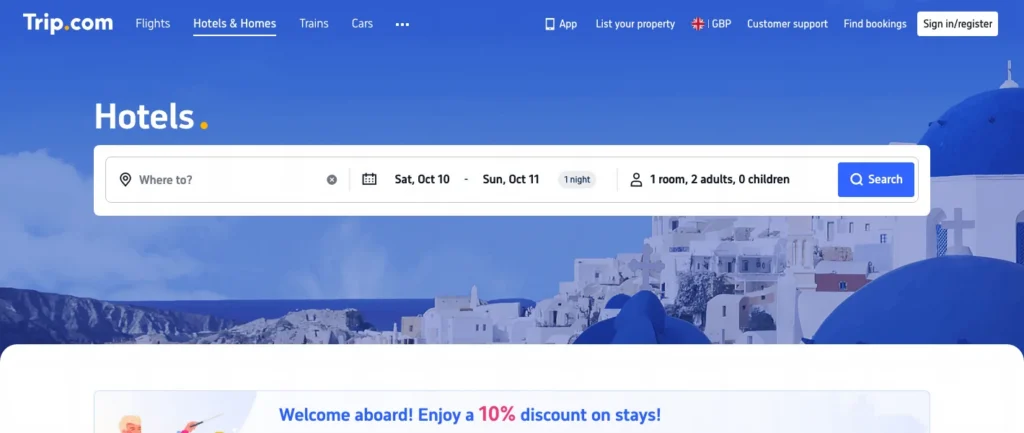
The hotel is the second thing people search for on Trip.com after flights. The code has indeed been created on their side; it has a name similar to the others, but we have not yet received the associated percentage.
And I will not publish it before, for a silly reason: an announced code that gives nothing at checkout is worse than no code at all. You would see it appear as “coming soon” in the table above, and it will switch automatically as soon as we have the confirmed discount.
Hotel
This code is still being activated by Trip.com. We will publish it as soon as it works.
In the meantime, if you book a hotel now, still go through our links. The booking is tracked exactly the same way; it doesn’t change a penny of what you pay, and it’s what funds the time spent writing pages like this one.

I'm Xavier
I write up what we learn on the road, from the gear we wear out to the paperwork that lets us live off it. Without dressing it up.
Ce que vous souhaitez recevoir :
Trip.com flight promo code: why the flight discount will be modest
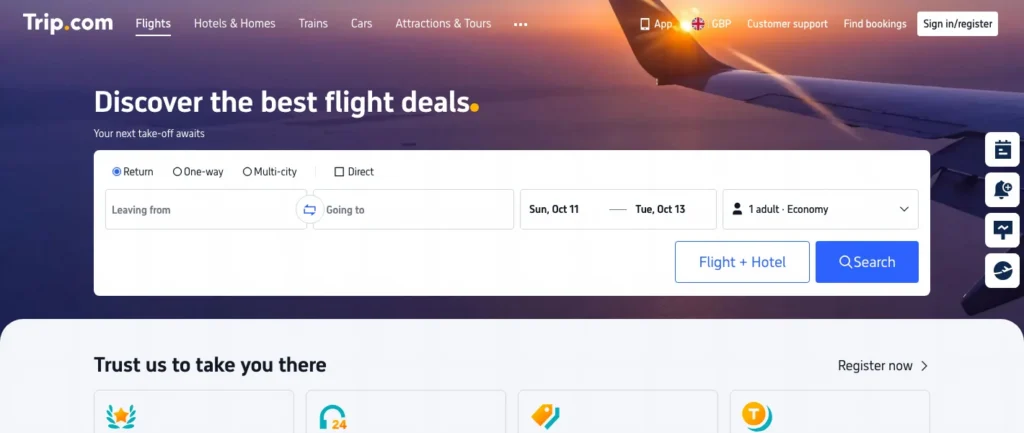
This is the most frequent search of all, “Trip.com flight promo code,” and it’s also the one where I will disappoint you the most. Not because the code isn’t coming (it is, it’s created, we’re just waiting for its percentage), but because no one can work miracles on flight tickets.
The flight ticket is the most tightly priced product in online travel, at Trip.com as with all others: double-digit discounts do not exist, and when they are announced somewhere, they apply to an ancillary service or to an inflated fare in advance. So be wary of pages that promise thirty percent off a flight; personally, I have never seen a single one keep its promise at checkout.
Flight
This code is still being activated by Trip.com. We will publish it as soon as it works.
What really lowers a ticket on Trip.com is much more prosaic: flexible dates, secondary airports, and comparing the same route departing from two different cities. The code, when it arrives, will be a bonus at the end of the journey, not the reason to book.
Trip.com train and bus promo code: two codes, not one
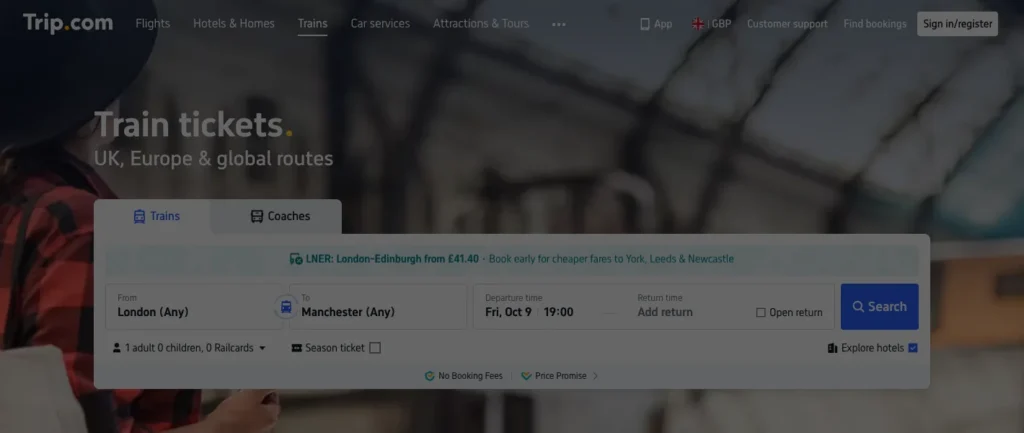
This one is my favorite part of the whole story because it summarizes the house logic well. For trains and buses, Trip.com has not planned one code but two: one for a first booking, one for someone who already has an account with them. The acquisition discount is not the same as the loyalty discount, so two different objects in their system, hence two codes.
Both are created, both are waiting for their percentage, and both appear separately in the top table. If you were wondering why this page lists seven lines for a single platform, well, here it is, it’s precisely this kind of subtlety that makes the counter go up.
Train and bus (first booking)
This code is still being activated by Trip.com. We will publish it as soon as it works.
Train and bus (existing account)
This code is still being activated by Trip.com. We will publish it as soon as it works.
Why is there not just one Trip.com promo code
Because a Trip.com code is an object attached to a product line in their system, not a partner identifier. At most of the brands we represent, it’s the opposite: the code says “this customer comes from Vantour,” and it applies to the entire catalog. At Trip.com, the code says “discount on car rentals,” and it can’t do anything else.
The practical consequence is simple to remember, and it’s all you need to take away from this page: the code you enter must correspond to the service you are booking. The car code on an excursion gives nothing, the activities code on a car gives nothing either, and it’s not a bug. That’s also why you’ll find elsewhere lists of Trip.com codes that “don’t work”: most of the time they work perfectly well, just not on the service where the person tried them.
An intermediate solution was proposed to us along the way, a master code that would automatically add all the others to the cart. It was a good idea, and it didn’t make it into the delivery. If it materializes, this page will be the first to announce it, and it will become much shorter (which, for a promo code page, would be rather good news).
How to use a Trip.com promo code
The process is not complicated, but it has a timing trap.
- Go through one of the buttons on this page, so that the booking is properly linked to our partnership.
- Choose your service and date, then proceed to the payment screen. The code field does not appear in the search results, only at the final step, and that’s where most people give up thinking there isn’t one.
- Look for the line “Coupon,” “Promo code,” or “Promo code” depending on the language served, and paste the code that corresponds to the service you are booking.
- Check that the total has changed before paying. If it hasn’t changed, it’s almost always because the code does not correspond to the right product category.
If despite all this the field rejects your code, we have an entire page dedicated to possible causes, and it serves all brands, not just here: what to check when a promo code doesn’t work.
Trip.com, Trip com, Ctrip: what exactly is it
A little vocabulary clarification, because it often comes up in searches: the name is written with a dot, Trip.com, but many people type “trip com” without anything in between, and it’s the same platform. Not two sites, not a lookalike, just a brand whose name contains its own domain (a naming choice that must have seemed clever in the meeting).
Trip.com is the international brand of the Chinese group Trip.com Group, the same one that owns Ctrip in China and Skyscanner in the UK. In other words, it’s not a small opportunistic platform, it’s one of the three largest global players in online travel, simply much less known in Britain than its American competitors.
What they do well, from our user perspective: the aggregation on one account of hotel, flight, train, car, and activities, which avoids having five confirmations in five different email boxes. And an Asian coverage without equivalent, which matters if you’re heading that way in the world.
What we criticize them for, and we’ve told them: no public API for partners, making it impossible to display prices or availability here in real-time. All we can give you are links to the right pages and the right codes. That’s also why you will never see prices displayed on this page: a manually copied price would be wrong the following week.
And for the eSIM card, we don’t go through Trip.com
Trip.com also sells eSIMs, and they even gave us a code for that. We won’t publish it, and let’s be transparent about the reason: we have an exclusivity commitment with Holafly for eSIM cards, which is the offer we actually use while traveling and have documented for years. Offering you a competing eSIM in the same sentence would be dishonest on both sides.
If your connection abroad is what concerns you, we discuss it in much more detail in our guide to managing your data consumption while traveling, with the real activation traps and the cases where your UK plan is already sufficient.
The questions we are asked about Trip.com codes
Is there a student promo code for Trip.com?
Are the codes reserved for new customers?
Does the code work on the Trip.com mobile app?
Can you use a code on a flight + hotel package booked together?
Do the codes have an expiration date?
Is there a minimum booking amount?
If I cancel my booking, what exactly do I get back?
Can I book for someone else with the code?
The links on this page are affiliate links: if you book after clicking, Trip.com pays us a commission, without changing the price you pay. And the interest of the page remains yours, that you pay less for your booking.
Our road notes, by email
Two years of full-time van life, and the Algarve as our base ever since. We still hit the road, by van or otherwise, and we write up what we find along the way. An email when we have something to say, no more.
Ce que vous souhaitez recevoir :